
Recipient Onboarding: A Complete Guide
Everything sponsors need to know about helping someone get started.
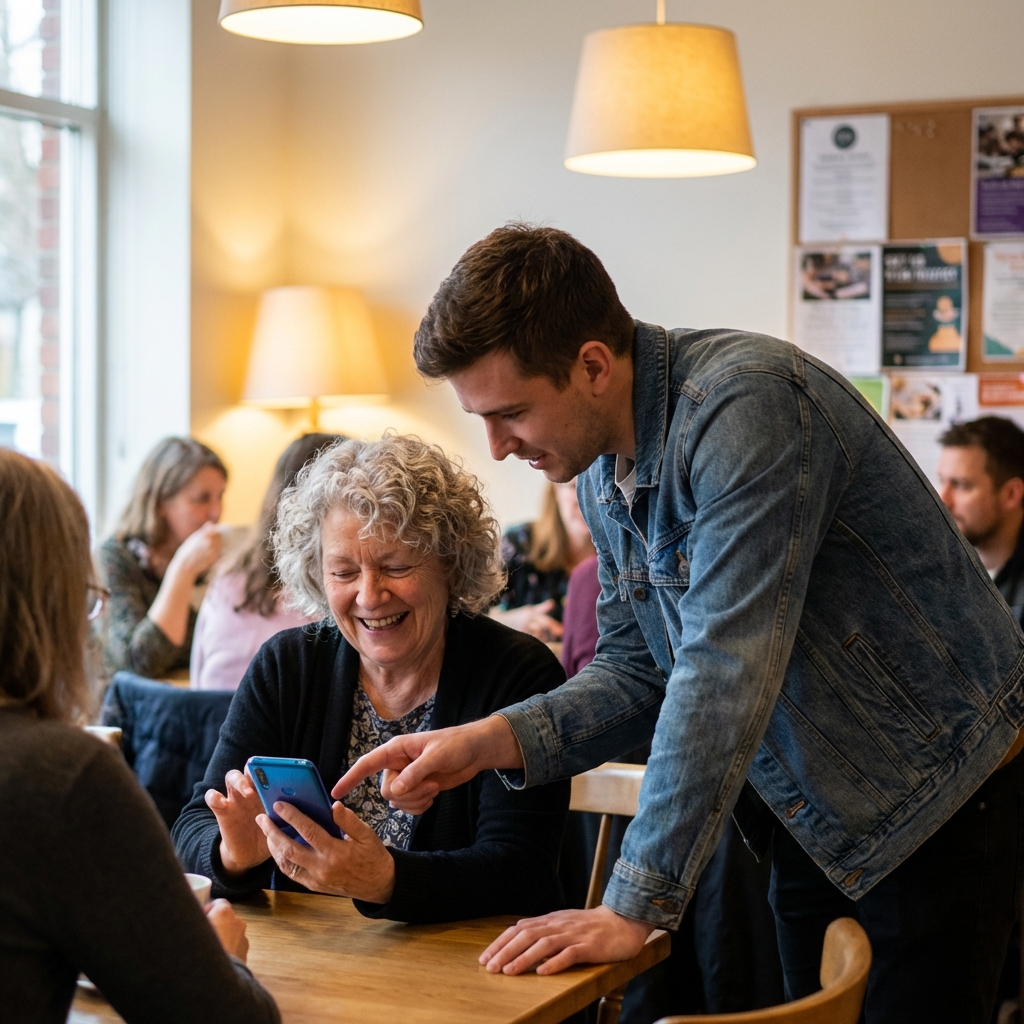
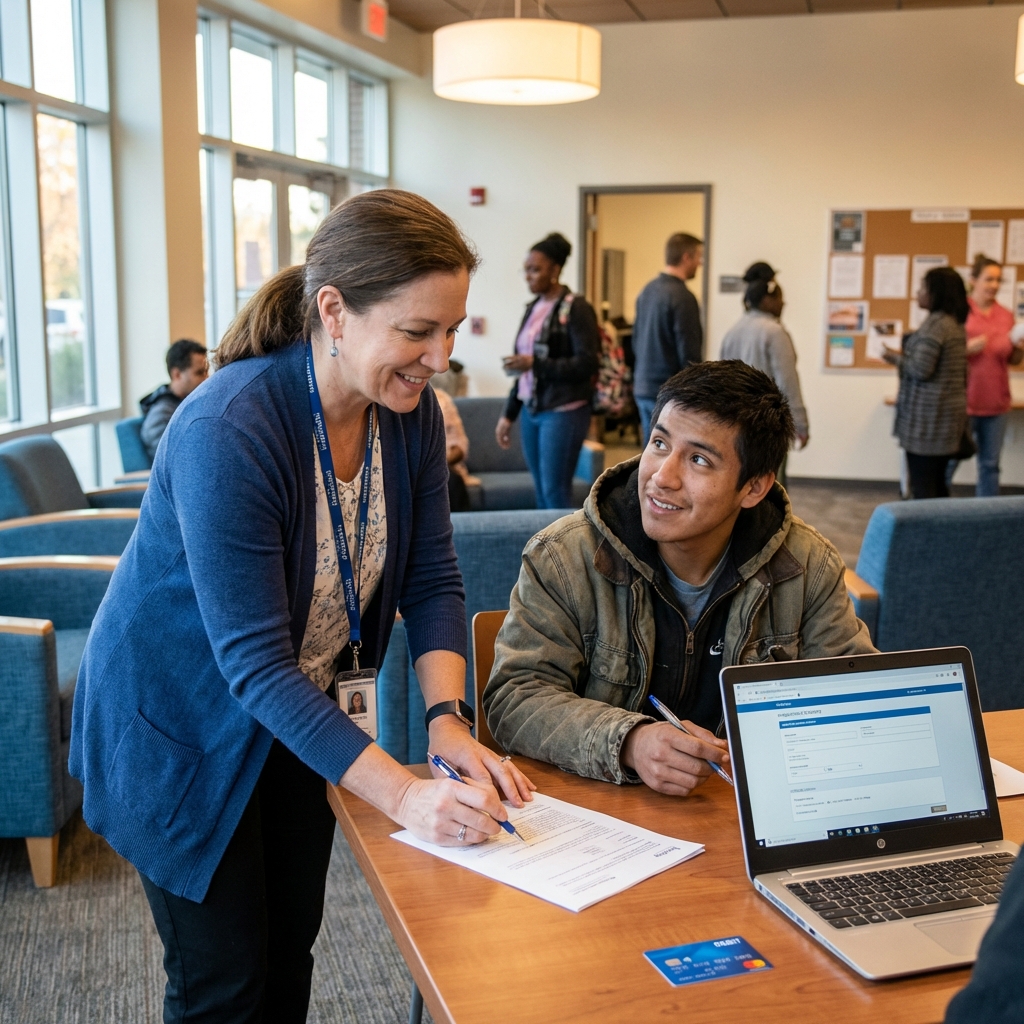
Recipient onboarding takes about 15 minutes with sponsor assistance. This guide covers identity verification, app setup, and understanding the video requirement that unlocks ongoing support.
Before You Begin
Successful onboarding requires a few basic items. Do not start the process until you have these ready:
- -A smartphone (Android 8.0+ or iPhone iOS 13+) with camera and microphone
- -Basic ID information: full legal name, date of birth, last four digits of SSN
- -A verified sponsor who will assist with enrollment
- -Understanding and acceptance of the video verification requirement
- -Access to WiFi or mobile data for initial setup
If you lack any of these items, work with your sponsor to address the gap before beginning. Incomplete onboarding creates frustration and delays access to support.
The Onboarding Process
The complete onboarding flow takes approximately 15 minutes when completed with sponsor guidance:
Understanding the Video Requirement
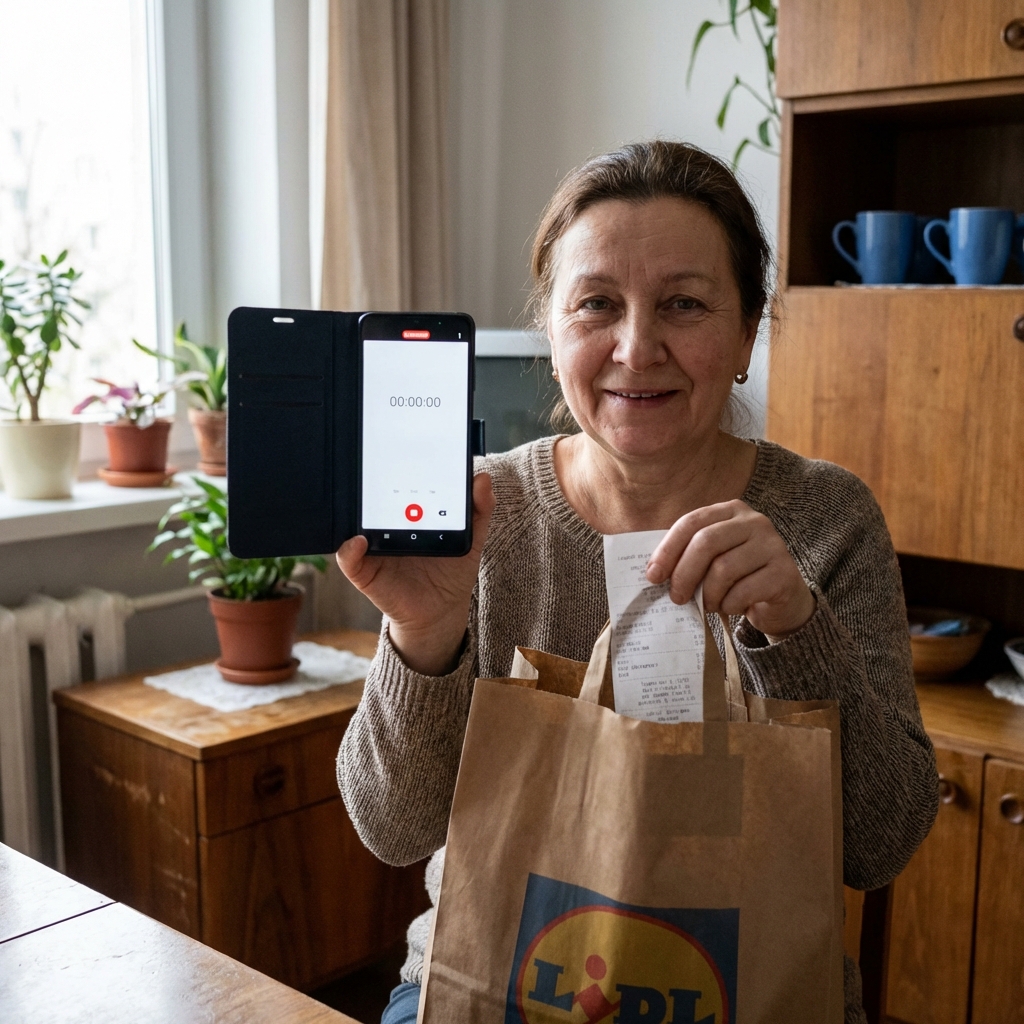
Every time you spend using your VideoBackedMoney card, it will lock until you upload a short video. This is the core mechanism that makes the platform work. It is not optional, negotiable, or bypassable.
The video requirement exists because donors demand visibility. They want to see their money helping a real person buy real things. Your videos provide that proof and build the trust that keeps donations flowing.
The videos are not surveillance—they are connection. Donors want to see that you are okay, that their support is helping, that you are making progress. Think of them as updates to people who care about your wellbeing.
What to Expect After Onboarding
Once your profile is live, donors can browse and subscribe. When a donor subscribes, their monthly contribution loads onto your card. You can spend at most merchants—groceries, gas, pharmacies, and general retail.
After each transaction, your card automatically locks. Open the app to see a VIDEO REQUIRED prompt. Record 10-30 seconds showing what you purchased and saying thank you. Upload completes in under a minute, and your card unlocks for the next transaction.
Tips for Recipient Success
- -Check your app regularly to ensure videos upload successfully
- -Record videos promptly after purchases—delays frustrate donors
- -Keep your phone charged so you can always complete the video requirement
- -Reach out to your sponsor if you encounter technical difficulties
- -Remember: consistent video uploads build donor trust and attract more support
| Feature | Traditional Charity | VideoBackedMoney |
|---|---|---|
| Onboarding Time | Weeks of paperwork | 15 minutes with sponsor |
| Card Access | Wait 2-4 weeks | Virtual card immediately |
| Support Model | Anonymous aid | Named donors who care |
| Spending Freedom | Restricted vouchers | Use anywhere with video proof |
| Ongoing Relationship | Program participant | Partner in giving journey |

About This Content
This content was collaboratively created by the VideoBackedMoney Team and AI-powered tools to ensure accuracy, comprehensiveness, and alignment with current best practices in transparent philanthropy, fintech, and direct giving.
Reviewed and validated by VideoBackedMoney's founding team to ensure accuracy and alignment with our mission.
Enhanced with AI-powered research and writing tools to provide comprehensive, up-to-date information.
This collaborative approach ensures our content is both authoritative and accessible, combining human expertise with AI efficiency.
Ready to Make a Direct Impact?
Join VideoBackedMoney and see exactly where your donations go.
Start Giving Today